


Wallet
Open the wallet page
Check where DANA, OVO, GoPay and QRIS appear, then confirm your account name before adding funds…
Speed Baccarat, Great Rhino Megaways and Rocket Crash sit beside our sportsbook and live tables, with DANA, OVO, GoPay and QRIS chips visible before you create…

Casino and slots are the first game doors on our home page because they are the rooms you open most often from mobile.
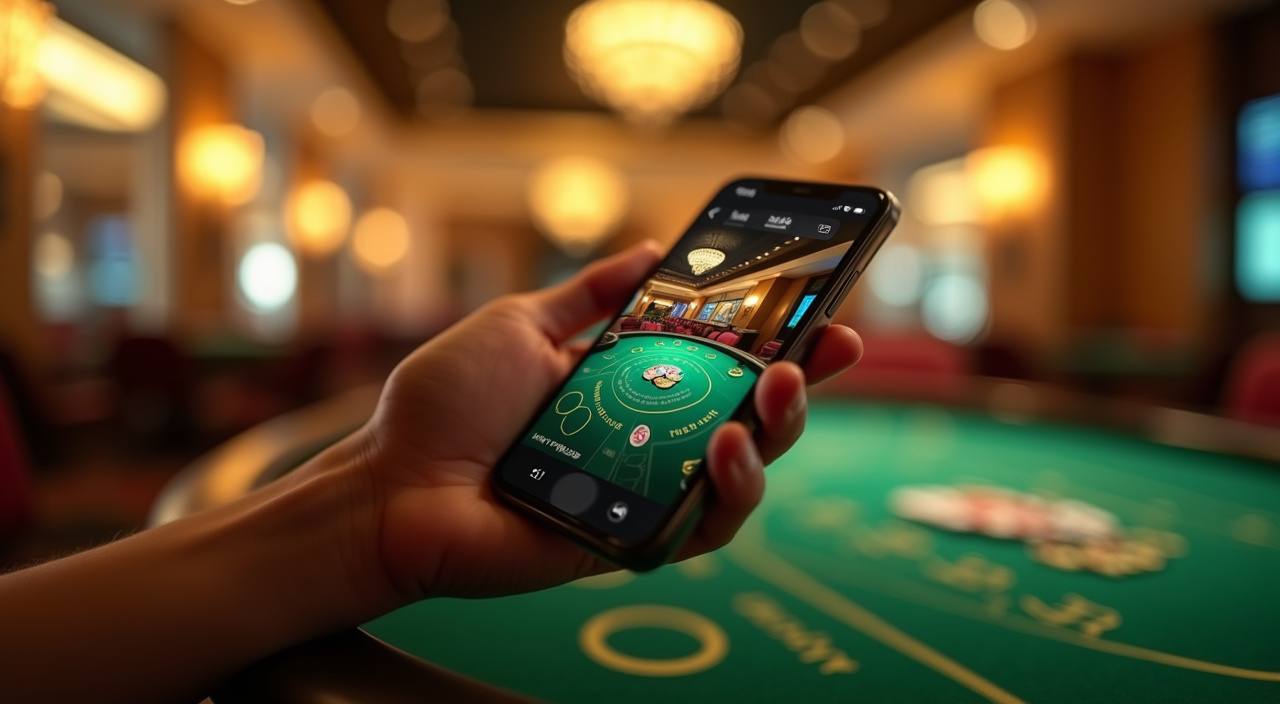
Slots, Speed Baccarat, Fishing God and sportsbook cards sit in one view so you can move through the lobby without hunting.
Pragmatic Play, PG Soft and Habanero are shown beside other studios so you can recognise providers before opening a room.
Your wallet choices appear as simple local rails on the home page, not hidden behind several menus.
The home page is not just a sign-in panel; it points you to areas that answer common account questions before you enter a room.



A new account should feel clear before you add funds, so our home page puts the login panel, game tabs and wallet entry in the first…
Tap Open your account, add your mobile number, create a password and confirm the account form before the wallet link appears on the home screen.
Your profile area keeps username, contact number and wallet status together, so you can confirm the details we use when we check a withdrawal request.
The home lobby separates slots, Live Casino, sportsbook, Bingo and Fishing God, letting you choose a category without leaving the first page.
We ask for password confirmation on account changes and keep session controls visible, so you can sign out from shared phones after browsing.
The home page is built for phone browsers first, then scales to tablet and computer screens without forcing an app install.
Security starts on the home page because that is where most account sessions begin.
The account menu keeps sign-out within one tap after login, which helps when you browse from a borrowed phone or shared browser.
Before withdrawals are released, we compare the account name, wallet rail and transaction reference so the request matches the registered profile.
If your page refreshes or a game window times out, return through the home login instead of reusing an old shared link.
Game rooms open through listed providers, so category rules and round details remain inside the studio interface you selected.
Searching through separate links, chat groups or saved screenshots makes account checks harder.
Use the home login rather than old bookmarks, so your account session begins from the same entry point every time.
DANA, OVO, GoPay and QRIS are named on the home page, reducing confusion with screenshots passed around outside the site.
Slots, Live Casino, Fishing God, Bingo and sportsbook areas are separated, so you are not guessing from cropped images.
Help links sit beside wallet and account areas, making it easier to ask about a failed load or pending check.
Terms and privacy links stay reachable from the home footer, instead of being shared as loose files in other places.
Start on a phone and return on a computer through the same home login, keeping navigation familiar across screens.
Game categories behave differently, so the home page points you to the right type before you enter.
Speed Baccarat and table rooms show stream status inside the game interface, with round details handled by the table provider.
Slot rooms such as Great Rhino Megaways display return details and feature rules in the game window supplied by the studio.
Rocket Crash and Aviator-style rooms use fast rounds, so check the game panel carefully before setting any stake.
Fishing God uses a different screen layout from slots, with targets, credits and room rules shown after the game opens.
Volleyball Betting and other sports markets carry their own settlement wording, which you should read from the market card.
We built the home page for Indonesia accounts that use local wallet rails and mobile browsers. Availability can change by location, network and local rules, so access depends on local law and is available only where local law permits. Customers in Denpasar often reach the lobby from 4G or home Wi-Fi; if a category does not load, refresh the home page and check support before trying again.
The quickest way to judge the home page is to look at what is visible before you commit.
These answers focus on the home page because that is where your account, wallet, lobby and help paths meet. If you need a deeper account check, contact support with your username, phone number and any transaction reference so we can look at the right record.
Use the home page as your starting map. Begin with the header if you need account access, move to the category tiles when you want a game, and use the wallet path…
Open the header menu, choose the account path and confirm your phone number before moving to wallet or game categories.
Go to Menu > Account > Wallet to choose DANA, OVO, GoPay or QRIS after your profile details are correct.
Return to the home category tiles for slots, live tables, Fishing God, Bingo, Rocket Crash or sportsbook areas.
If a page stalls, use chat during service hours or send email with screenshots and transaction references.